
| Version | Description |
|---|---|
| Installer | Guides you through the standard setup process (recommended). |
| Portable | Does not require installation. Extract to your directory of choice and run Everything.exe.No changes are made to the system. Install options are available in the Everything General options. The portable Everything.exe executable is identical to the installed version. |
| x86 | Compatible with both 32-bit and 64-bit versions of Windows. Supports 32-bit context menu shell extensions. |
| x64 | Requires a 64-bit version of Windows. Supports databases larger than 2 GB and 64-bit context menu shell extensions. Uses slightly more RAM than the x86 version. |
| ARM | Requires a 32-bit ARM version of Windows. |
| ARM64 | Requires a 64-bit ARM version of Windows. |
| English (US) | Includes English (US) language only. Additional UI languages can be added manually via the Language Pack. |
| Multilingual | Includes the full Language Pack for multi-language display support. |
| Lite | The Everything 1.4 Lite version does not contain ETP/FTP/HTTP servers and does not allow IPC. |
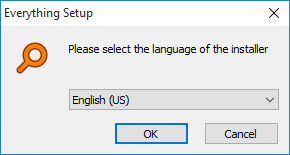
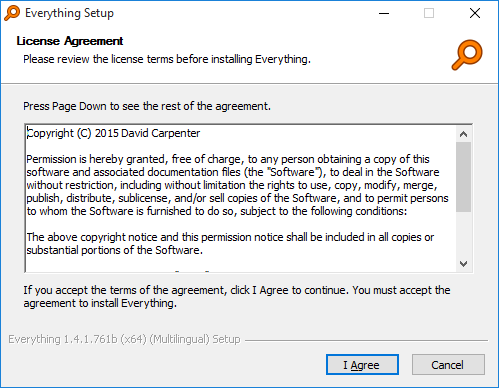
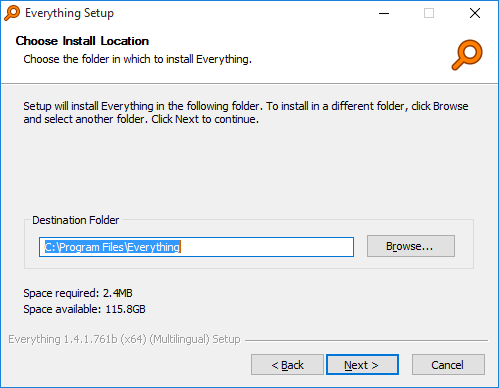
C:\Program Files\Everything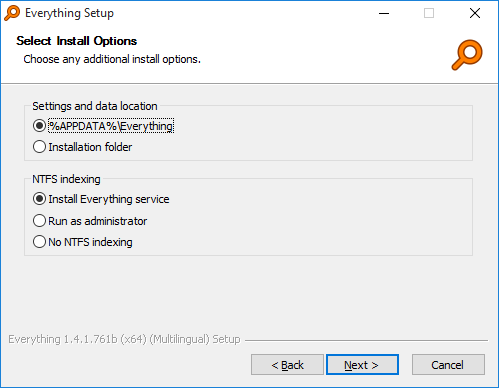
| Method | Description |
|---|---|
| Install Everything service | Index and monitor NTFS volumes from a service while the main program runs as a standard user (recommended). |
| Run indexing process as administrator | Run a separate process as administrator for indexing and monitoring NTFS volumes. |
| Run as administrator | Run Everything with administrative privileges. |
| Manual configuration | Set up NTFS indexing later in the Everything NTFS options. |
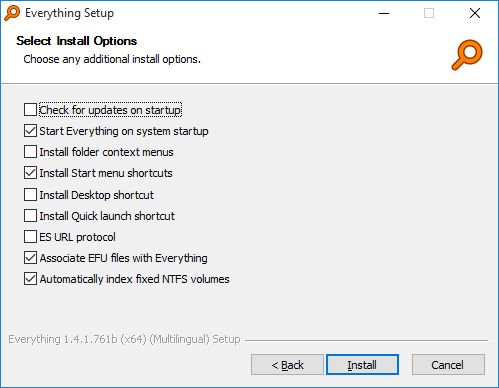
| Option | Description |
|---|---|
| Check for updates on startup | Check www.voidtools.com for updates when Everything starts. |
| Start Everything on system startup | Run Everything when Windows starts. This loads the Everything database into memory and creates the Everything tray icon. |
| Show folder context menu item | Add the Search Everything... context menu item when you right-click a folder in Windows. Clicking this item opens the Everything window with the search set to the selected folder. |
| Start menu shortcut | Create an Everything shortcut in the Start menu. |
| Desktop shortcut | Create an Everything shortcut on the Desktop. |
| es: URL Protocol | Register the es: URL protocol to open Everything from es: URLs. |
| EFU file association | Associate Everything File List (EFU) files with Everything. |
| Automatically index NTFS volumes | Automatically add all fixed NTFS volumes to the index. Disable this option to manually choose which volumes are included in the Everything NTFS options. |
| Automatically index FAT volumes | Automatically add all fixed FAT volumes to the index. If disabled, FAT volumes can be manually indexed in the Everything FAT options. |

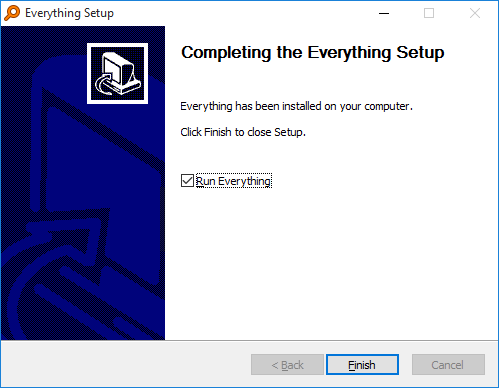
| Error | Description |
|---|---|
| OS is not x64 Install anyway? | This error is displayed when attempting to install the x64 version of Everything on a 32-bit version of Windows. Make sure you have downloaded the correct version of Everything for your OS. See What version of Everything should I download?. |
| Failed to execute admin command Unable to run admin command | The installer failed to run Everything with administrative privileges to make changes to the system. Make sure Everything can run with elevated privileges. |
| Failed to execute user command Unable to run user command | The installer failed to run Everything to install the options for the current user. This can be caused by anti-virus software. Make sure the installer can execute Everything from the temporary directory. |
| Failed to run Everything.exe -setup | The installer failed to launch the Everything setup program from the temporary directory. This can be caused by anti-virus software. Make sure the installer can run Everything from the temporary directory. |