Discussion related to "Everything" 1.5.
-
void
- Developer
- Posts: 20205
- Joined: Fri Oct 16, 2009 11:31 pm
Post
by void »
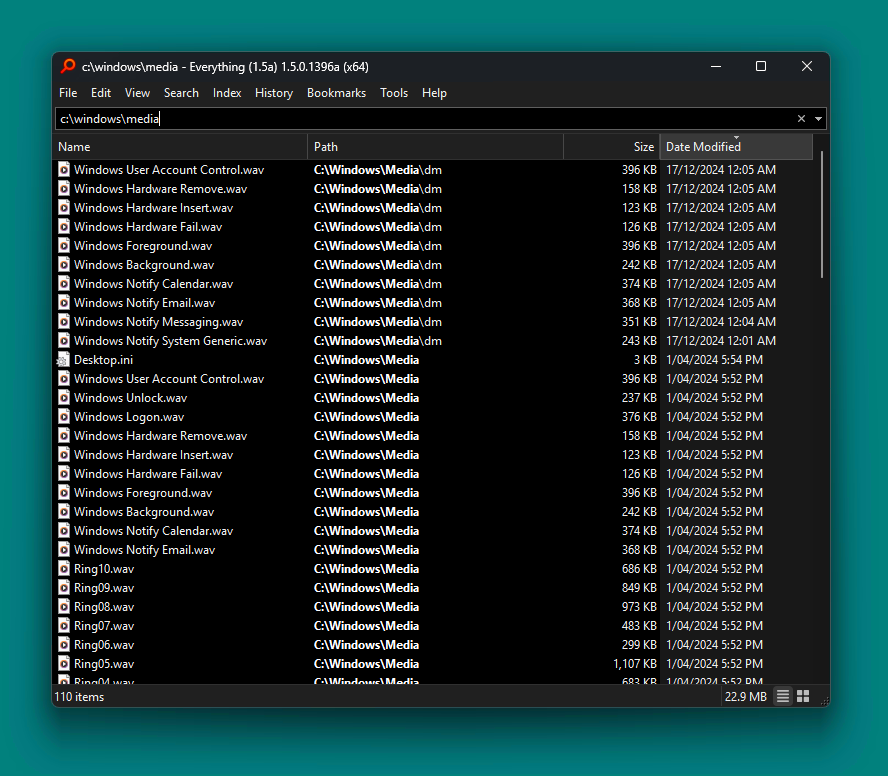
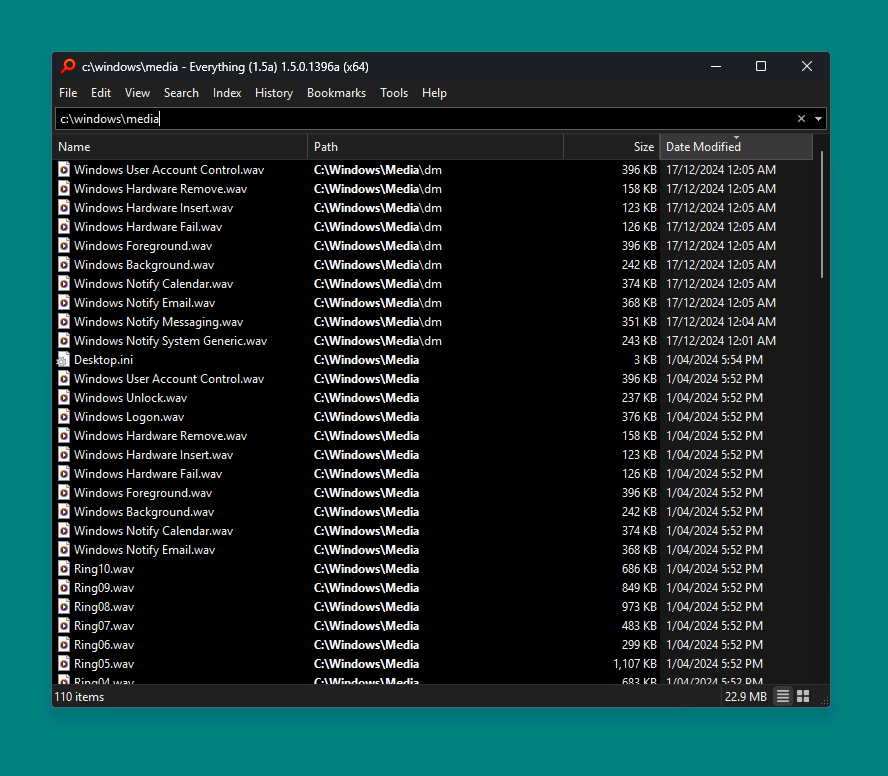
Everything 1.5.0.1397a improves support for Windows 11 corner preference.
Everything will now use "Round Small" corners by default.
Previous versions used large "Round" corners.
Round:
Round Small: (default)
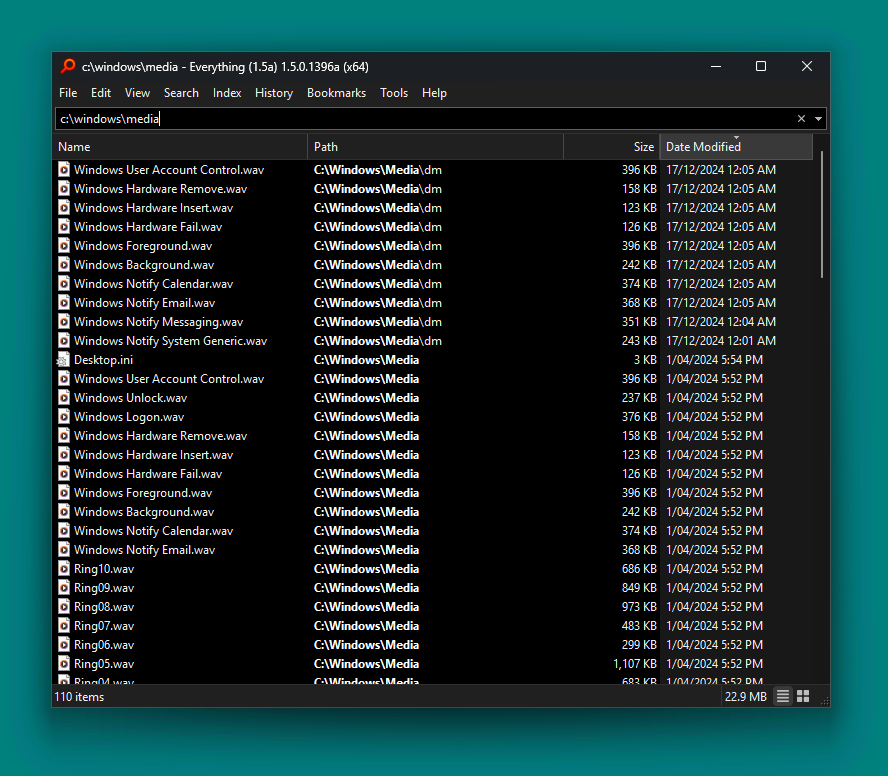
Do Not Round:
To use large round corners:
- In Everything 1.5, from the Tools menu, click Options.
- Click the Advanced tab on the left.
- To the right of Show settings containing, search for:
corner
- Select: window_corner_preference
- Set the value to: Round
- Click OK.
To disable round corners:
- In Everything 1.5, from the Tools menu, click Options.
- Click the Advanced tab on the left.
- To the right of Show settings containing, search for:
corner
- Select: window_corner_preference
- Set the value to: Do Not Round
- Click OK.
-
therube
- Posts: 5808
- Joined: Thu Sep 03, 2009 6:48 pm
Post
by therube »
(I've got to ask, that UGLY [to me] vertical scrollbar, is that courtesy of Win11 or something?
And what, does it expand, wider, when hovered?)
-
void
- Developer
- Posts: 20205
- Joined: Fri Oct 16, 2009 11:31 pm
Post
by void »
That is the stock scrollbar for Windows 11.
The stock scrollbar cannot be customized.
On Hover:
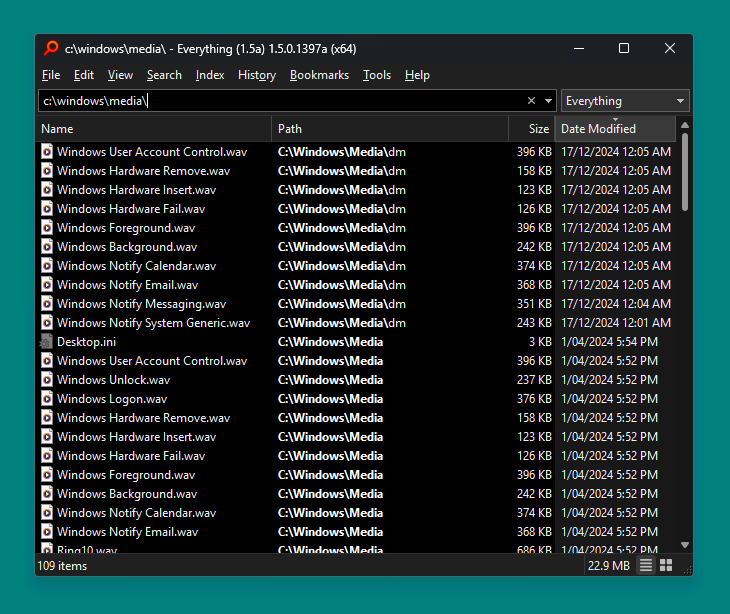
Everything Style scrollbars:
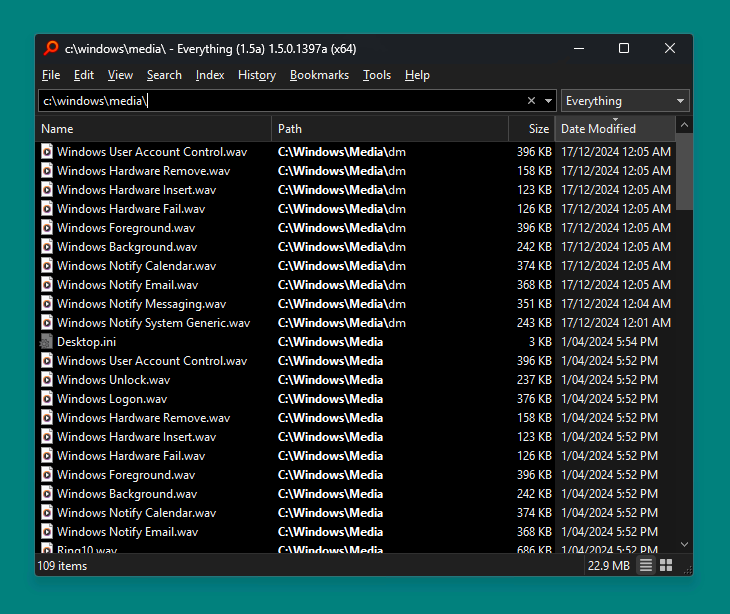
To enable Everything style scrollbars:
- In Everything 1.5, from the Tools menu, click Options.
- Click the Advanced tab on the left.
- To the right of Show settings containing, search for:
theme
- Select: scrollbar_dark_theme
- Set the value to: Everything
- Click OK.
To customize the Everything scrollbars:
- In Everything 1.5, from the Tools menu, click Options.
- Click the Advanced tab on the left.
- To the right of Show settings containing, search for:
scroll
- Adjust scrollbar colors and vscroll/hscroll size.
- Click OK.